Laptop chargers guide
Your whole desk. One plug.
A laptop charger that also looks after your phone and tablet. Here is how to match one to your laptop, and what to check before you buy.
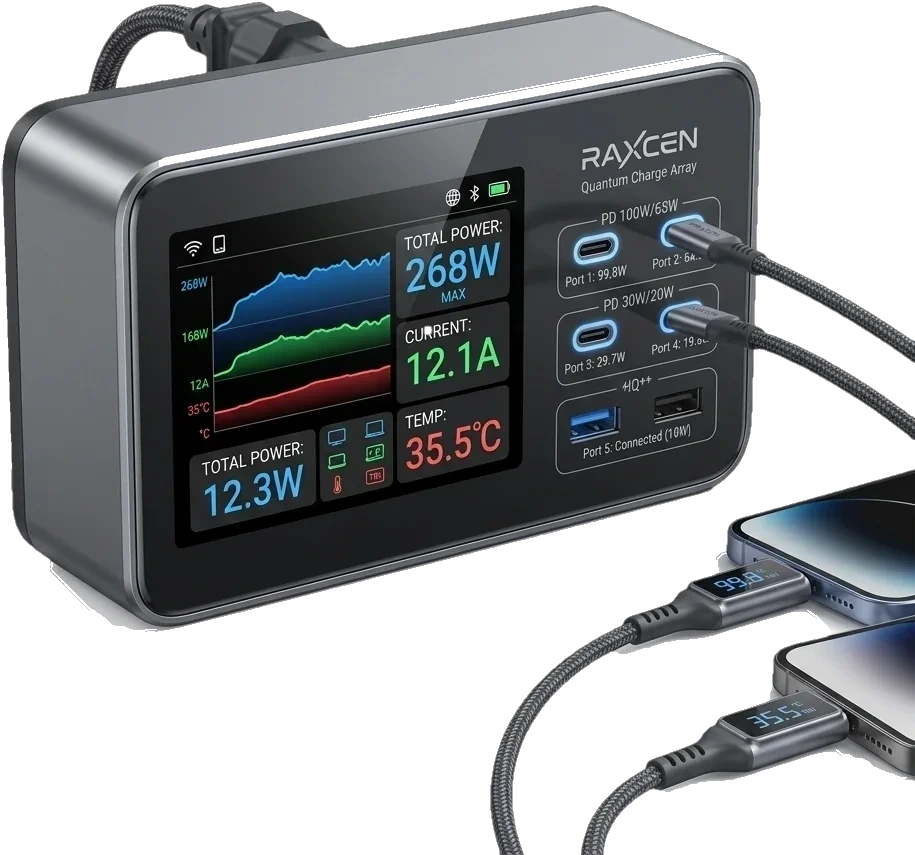
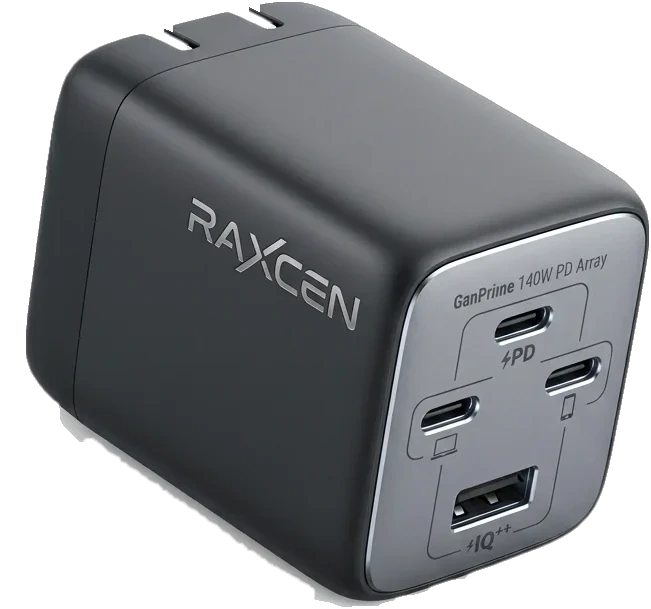
The whole range.
Made to work together.
Chargers, cables, power banks and desk stations from one brand. Every product comes with a 12-month limited warranty.
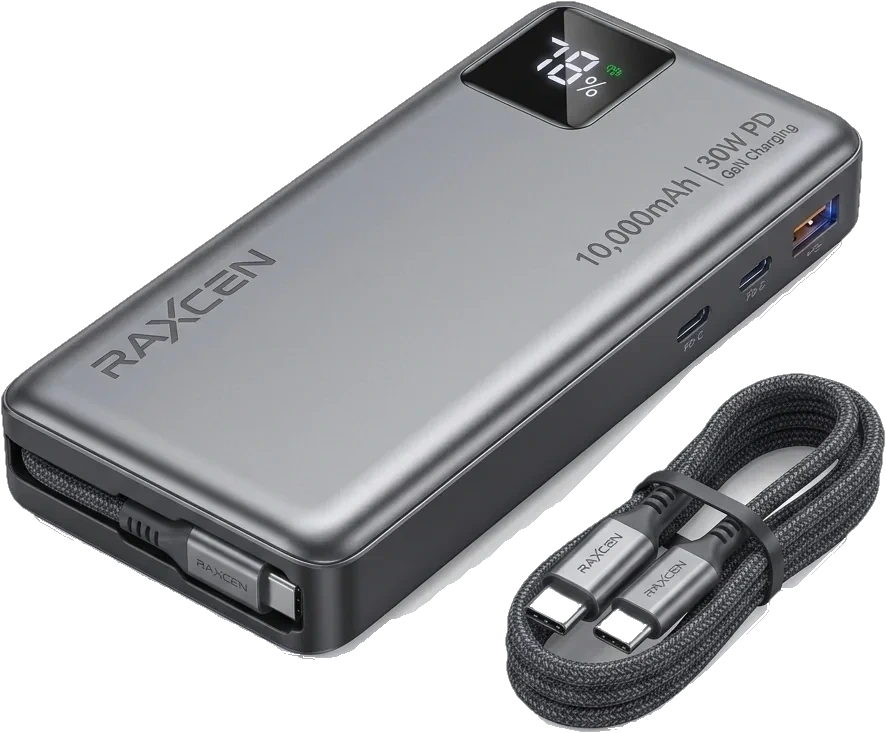
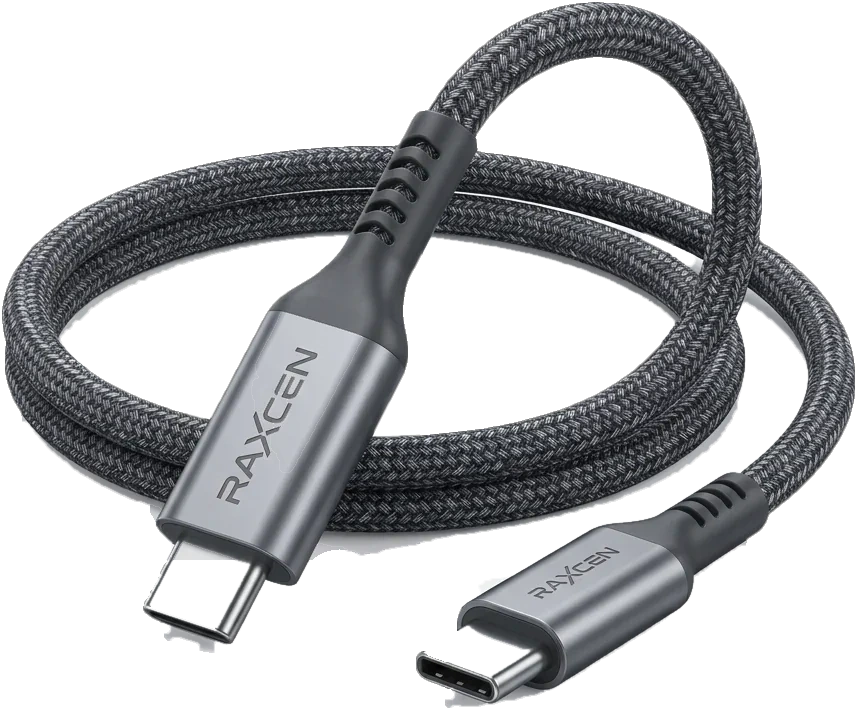
At a glance.
The essentials.
Built for laptops
Made to run a laptop at full speed over USB-C, from MacBook Pro and Air to Dell XPS and Lenovo ThinkPad.
Several devices, one plug
A smart distribution chip routes the right power to each device, so your laptop and phone charge together.
Fits in your bag
GaN keeps it compact enough to take with you, so the same charger works at your desk and on the road.
Why RAXCEN.
Buy with confidence.
30-day returns.
Return unused items within 30 days of delivery. Applies to orders placed on raxcen.com.
Returns ›What to look for.
- 1
Match the wattage.
Start from the number on your laptop's original charger. That is the figure to meet or beat.
- 2
Plan your ports.
Count the devices that live on your desk. Pick a charger with a port for each, and remember they share the power.
- 3
Choose the right cable.
Above 60W you need an E-Marker cable. It is the part most people forget.
How to choose.
Which one is right for you?
Find your laptop's wattage
Look at the label on the charger that came with it. Choose a charger that matches or exceeds that number. A lower number may charge slowly.
A stronger charger is fine
Your laptop decides how much power it takes, and a RAXCEN charger delivers exactly what it asks for and no more.
You also charge a phone or tablet
Choose a model with more than one port. The charger shares its power between the devices that are plugged in. GaN chargers guide ›
Your laptop needs more than 60W
Use a USB-C cable with an E-Marker chip. Without one, charging is limited to 60W. Cables guide ›
Questions. Answered.
Can one charger run my laptop and my phone?
Yes, with a multi-port charger. A smart distribution chip talks to every plugged-in device and routes the right power to each one, without interrupting either charge.
Will a more powerful charger harm my laptop?
No. Your device decides how much power it takes, and a RAXCEN charger delivers exactly what it asks for and no more.
Do I need a special cable?
For anything above 60W, such as 100W or 240W (PD 3.1), use a USB-C cable with an E-Marker chip. A cable without one automatically limits charging to 60W, which keeps it safe.
More answers on delivery, warranty and returns are in the Help Center.
Keep exploring.
More guides.
Still not sure?
Tell us what you charge and we will point you to the right one. Our team replies within 24 hours on business days.